
CNC and CAD for Woodworkers: What They Do, What They Cost and Whether You Need One
A CNC router won’t replace your skills — it adds a very accurate pair of hands. Here’s how CAD and CNC fit into a woodshop and how to decide if one is worth it.
CAD software lets you design projects in 2D or 3D before cutting wood; CAM software turns that design into toolpaths; a CNC router follows them to cut parts, joinery, signs and carvings precisely and repeatably. Start with free or low-cost CAD to plan projects and cut lists. Buy a CNC only if you make repeated parts, signs, templates or products to sell — and plan for dust collection, noise and learning time.
- CAD is useful to every woodworker — it catches design mistakes before you cut wood
- The workflow is CAD (design) → CAM (toolpaths) → CNC (cutting)
- Desktop CNCs suit signs and small parts; full-size machines cut sheet goods
- CNC shines at repeatable parts, templates, inlays and products for sale
- Budget for bits, software, dust collection and learning time — not just the machine
On this page (7 sections)
Computer-controlled machines used to belong only to factories. Now a desktop CNC router fits on a workbench and free design software runs on a laptop. That raises a fair question for every woodworker: is this the future of the craft, a shortcut, or an expensive distraction? The honest answer is that it depends on what you make.
CAD, CAM and CNC explained
| Step | What it is | What you do |
|---|---|---|
| CAD | Computer-aided design | Draw the project in 2D or 3D, with exact dimensions |
| CAM | Computer-aided manufacturing | Choose bits, depths and speeds; the software creates toolpaths |
| CNC | Computer numerical control | The machine follows the toolpaths to cut the wood |
CAD is for everyone
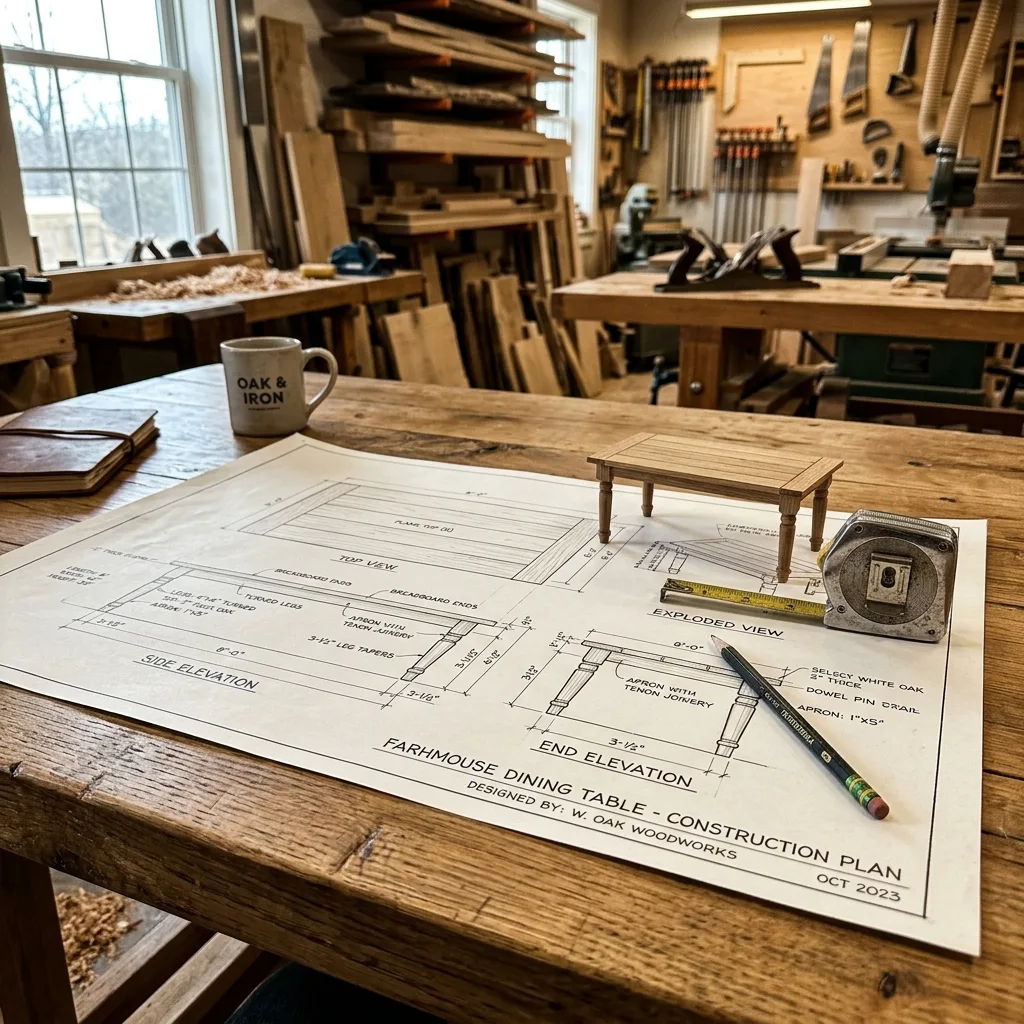
You don’t need a CNC to benefit from CAD. Drawing a project first lets you:
- Check proportions and joinery before you cut a single board.
- Catch mistakes — a drawer that won’t fit, a leg that blocks a door.
- Produce accurate cut lists; then lay them out with the cut list optimizer.
- Show clients exactly what they are buying — useful for commissions.
Start with a free or low-cost program and model a simple project, such as a workbench or a floating shelf.
Types of CNC machines
| Machine | Work area | Good for | Notes |
|---|---|---|---|
| Desktop CNC router | Small (about 1–2 ft) | Signs, inlays, small parts, engraving | Affordable; light cuts only |
| Mid-size hobby CNC | About 2×4 ft | Furniture parts, carvings, templates | The sweet spot for many hobbyists |
| Full-size (4×8) CNC | Full sheet | Cabinets, sheet-goods furniture, production | Needs space, power and serious dust collection |
| Laser engraver | Varies | Engraving, thin cutting, personalisation | Different tool — see laser engravers |
What CNC is great at
- Repeatability: ten identical chair parts or drawer fronts.
- Templates and jigs: perfect router templates for curved parts.
- Signs and lettering: V-carved signs are a popular product to sell.
- Inlays: precise pocket-and-plug inlays — see inlay and marquetry.
- Sheet goods: cabinet sides and shelves with accurate dados and holes.
It is less helpful for one-off pieces where setup takes longer than cutting by hand, and it can’t replace good wood selection, grain matching or finishing.
What it really costs
- The machine itself.
- Software: some free options, many subscription or paid tiers for advanced features.
- Bits: end mills, V-bits, compression bits — they wear out.
- Workholding: clamps, a spoilboard, and possibly a vacuum table.
- Dust collection and an enclosure to control noise.
- Time: learning CAD/CAM takes weeks of practice.
Safety
- Never leave a running CNC unattended; a broken bit or loose workpiece can start a fire or throw debris.
- Keep hands away from the moving gantry and spindle.
- Collect dust at the spindle — CNC cutting makes a lot of fine dust. See dust collection.
- Wear hearing protection; routers spinning for long jobs are loud.
Should you buy one?
A CNC is worth it if you make repeated parts, sell signs or personalised items, need precise templates, or build cabinetry from sheet goods. If you mostly build one-off furniture by hand, invest first in core tools and skills — see the first power tools to buy — and start with CAD alone.
Go deeper: each part of this topic has its own guide. Read our guide to high-tech woodworking gadgets.
Questions woodworkers ask
Is CNC woodworking ‘real’ woodworking?
It is a different tool, like a table saw was once a new tool. Design, wood selection, joinery, assembly and finishing still need your skill. Many makers combine CNC parts with hand-cut details.
How much does a hobby CNC cost?
Small desktop machines start at a few hundred dollars, capable hobby machines often run a few thousand, and full-size sheet-goods machines cost considerably more. Add bits, software, dust collection and a computer.
What software do I need?
A CAD program to draw parts, a CAM program to create toolpaths, and the machine’s control software. Some packages combine CAD and CAM; several have free tiers for hobby use.
Can a CNC make money?
Many makers use CNCs for custom signs, personalised gifts, templates, cabinetry parts and short production runs. Profit depends on design skill and finding buyers, not just owning the machine.
Is a laser engraver the same as a CNC router?
Both are computer controlled, but a laser burns or cuts with a beam and is best for engraving and thin materials, while a CNC router cuts with a spinning bit and can carve and shape thick wood.
Plans for your next project


Michael Wood
Founder of WoodCraft Corner. Fifteen years at the bench, hundreds of projects, and still learning something new every week.
0 comments